
Age Verification FAQ
What is k-ID and why does Nexus Mods use it instead of handling age verification directly?
k-ID is a free-to-use age assurance service that helps us provide age-appropriate experiences while staying compliant with regional laws. It ensures that content is restricted or allowed based on your age and location, in line with applicable legislation, without requiring us to store your personal data.
Age assurance laws differ by country and change frequently. Rather than building and maintaining our own system, which would require ongoing legal and technical updates, we chose to partner with k-ID, a specialist in this field. This allows us to meet legal requirements in a secure and privacy-conscious way, while we focus on improving the Nexus Mods experience.
When asked to verify your age, you can choose between two methods:
- Face Scan - this is an entirely on-device method that estimates your age from a video selfie.
- Scan ID (+ Face Match) - this method allows you to use a photo of your government-issued ID and matching it with your face.
What partners does k-ID use?
- ID scan and face match via Veratad
- On device Facial Age Estimation (FAE) via their integration with Privately
- Agekey via their OpenAge Initiative
Does k-ID keep my selfie data?
No, the face scan is an on-device Automatic Age Check, your face information never leaves your device. For questions about k-ID’s processes, please contact k-ID.
What if the k-ID Automatic Age Check fails?
If the face scan fails, you’ll be asked to complete age verification by uploading a photo of your government-issued ID. This ensures your age can still be verified securely. In some cases, you may also be able to retry the automatic check, but repeated attempts may be limited.
If you fail multiple attempts and are unable to verify your age, please contact support@k-id.com.
When unlocking my account by Scanning ID, do I need to take multiple photos for verification?
No, all required information must be visible and readable in a single photo.
What data does k-ID collect about me and how is it kept secure?
k-ID uses ID or facial scanning to confirm that you meet the minimum age requirement under the laws of your region. Your information is processed securely and is immediately deleted once your age has been verified. Only the result of the verification (i.e. that your age has been confirmed) is retained, so you don’t have to verify again.
k-ID only uses this information to verify your age, never for marketing, storage, or any other purpose.
You can read more in k-ID’s Privacy Policy, which is separate from our own Nexus Mods Privacy Policy.
k-ID has been independently audited and certified by the ISO, ESRB Privacy Certified Program and the UK Age Check Certification Scheme (ACCS) to ensure its processes meet strict privacy, security and data protection standards.
Why am I being asked to verify my age?
We may require age verification to comply with online safety and privacy laws and ensure users meet the minimum age requirement to access all content on Nexus Mods. This currently only applies to users located in the United Kingdom and Brazil, with other regions (such as the EU) to follow when required by law.
If your account is 10 years or older, you will be exempt from this check.
What content is going to be subject to age verification?
All mods which contain “Adult Content”, as defined by our Adult Content Guidelines. We will also be restricting access to the Supporter Image Share and Collections which contain adult mods.
Why do you need my personal information, do you save it, and will I need to verify more than once?
We ask for limited personal information, such as a face scan or photo ID, to comply with privacy laws that require us to verify your age. This ensures you meet the legal age requirement to access adult content on Nexus Mods.
The method you’ll be asked to use depends on your country’s legal requirements and your preferences.
Nexus Mods and k-ID do not store the personal data you submit. Your information is immediately deleted once your age has been verified. However, k-ID does keep a record of the verification result. This allows your verified status to be recognised across Nexus Mods and other services that use k-ID, so you don’t need to verify again.
You will most likely only need to verify once. You may be asked to verify again if:
- You move to a different country with different legal requirements
- You request that Nexus Mods deletes your account and verification record
What is age verification and how does the k-ID process work?
Age verification is a legal requirement that ensures users meet the minimum age threshold to access certain online services. It helps platforms like Nexus Mods comply with global privacy laws, including the GDPR (EU), COPPA (US), Digital ECA (Brazil) and the Online Safety Act (UK).
k-ID provides a simple, secure way to meet these requirements without collecting unnecessary personal data. Based on your age and location, k-ID guides you through a verification process that matches the laws in your region. This may involve an automatic check, submitting a photo of your government-issued ID, or using a face scan. Once verified, your status is recognised across Nexus Mods and other services that use k-ID, so you don’t need to repeat the process.
How much does k-ID cost?
Nothing. Age verification with k-ID is completely free for users. Nexus Mods covers the cost of this service to make sure your experience stays secure, compliant, and free of hidden fees.
What is going on? Why are things changing?
We’re making changes to improve the safety and compliance of the Nexus Mods experience for all users. This means the next time you visit the site, you may be asked to verify your age. This will be used along with your general location to tailor your experience to comply with relevant laws.
Why is my experience different from my friends in other countries or states?
This is because age verification laws vary depending on where you live. Different regions have different legal requirements, which means users in one country may need to verify their age when others do not.
I’ve been blocked from using content on Nexus Mods. Why?
Some content may be restricted if your age cannot be verified and you are based in a region where age checks are required. Currently, this applies only to users in the UK and Brazil. If your account is 10 years old or more, you are automatically exempt from age verification.
AgeKeys
What is an AgeKey?
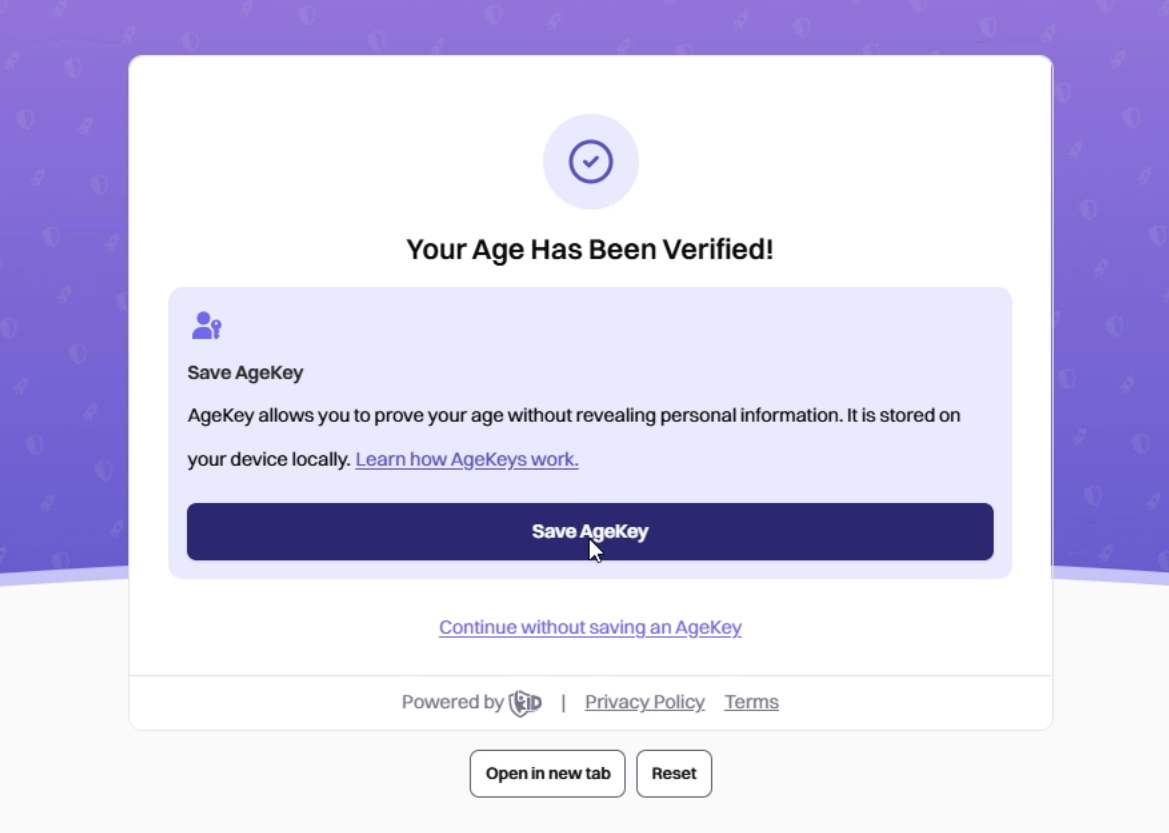
An AgeKey is a reusable age-verified token stored on the devices you own. It is created once and stored locally on your device. This allows you to provide proof of your age online without having to provide your ID or face scan again.
Once you have verified your identification on one website, you can use this key as proof of identification on other websites that support it, including Nexus Mods.
How do I use an AgeKey?
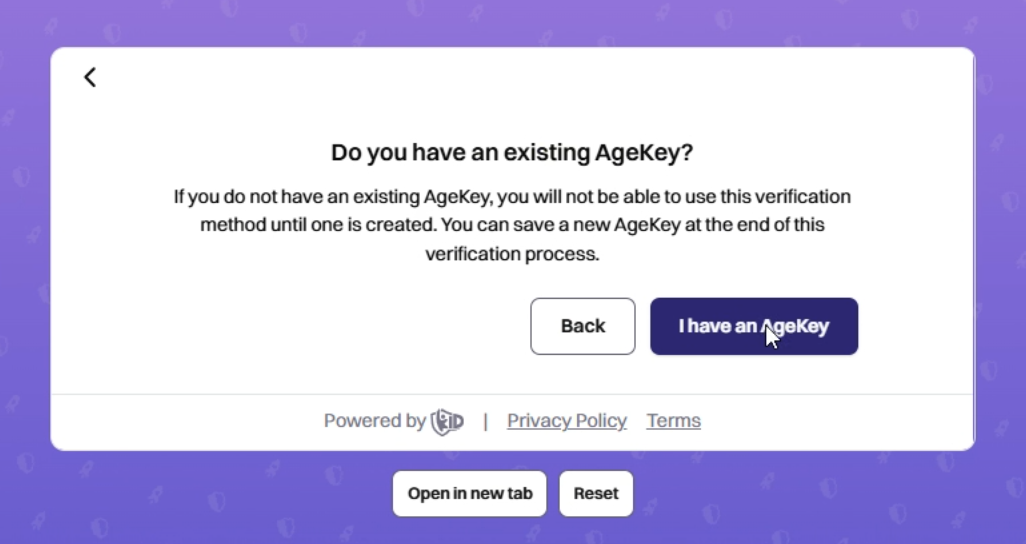
When verifying your age on the site, choose the AgeKey verification option and follow the prompts to access the AgeKey from your device.
Your browser or device may require you to authenticate yourself before you can access the key. This is not sent to us and ensures only the device owner can access the key.
Do I need an account with AgeKey?
No account is needed to generate an AgeKey. AgeKeys work through passkeys built into your phone, browser, or password manager.
If you have an account that allows you to share passwords across multiple devices (e.g., iCloud, Google Password Manager), you can also sync your AgeKeys across other devices you own, making it even easier to prove your age.
You can also create a new AgeKey or retrieve an existing one through that password manager.
Can I delete or deactivate my AgeKey?
Yes. You can delete or deactivate your AgeKey anytime through your device's password manager.
What data is stored in an AgeKey?
Only:
- Your age range (”This user is over [x] age”)
- The method you used to prove your age (not the information itself). E.g., credit card check, face scan, ID scan.
No data that can identify you as an individual is stored in the AgeKey.
How are AgeKeys secured?
- No one can use it without your device and your permission.
- If your device is stolen, your AgeKey remains secure.
Make sure not to share your device passcode with anyone. If someone can unlock your device, they can also access all your passwords and passkeys, including your AgeKey.
Can we have multiple AgeKeys on the same device?
Yes! Each family member can have their own AgeKey even on a shared device. However, the owner of the device still must pass the device’s security check before any AgeKey can be selected and used.